
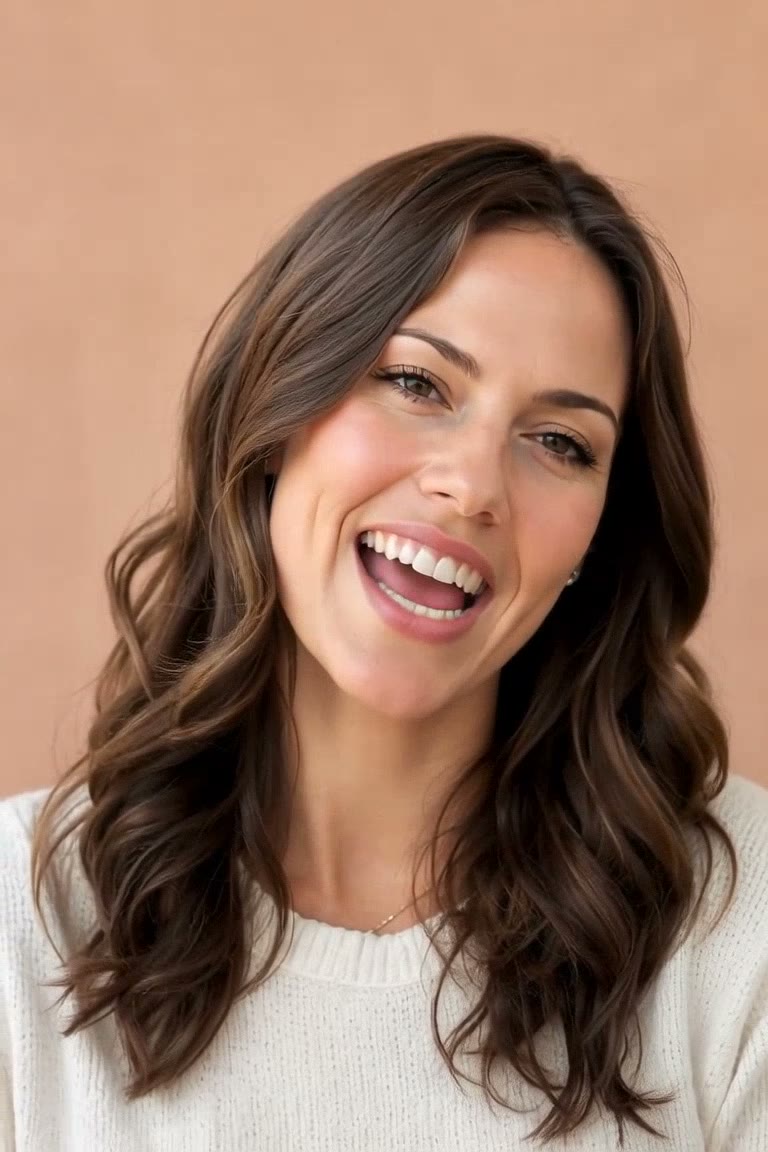
Quick AI
One photo, one finished video.
Pick an effect. OpenMuse animates it, adds music, and renders the clip.
Try Quick AIOpenMuse can write an original song, time each cut to the music, and put the lyrics on screen. Start with one photo, build a reel, or shape every frame in a full project.
Free tokens at signup · no card needed · no watermark
Start with the amount of control you want. Every path leaves you with a project you can keep shaping.
Pick an effect. OpenMuse animates it, adds music, and renders the clip.
Try Quick AI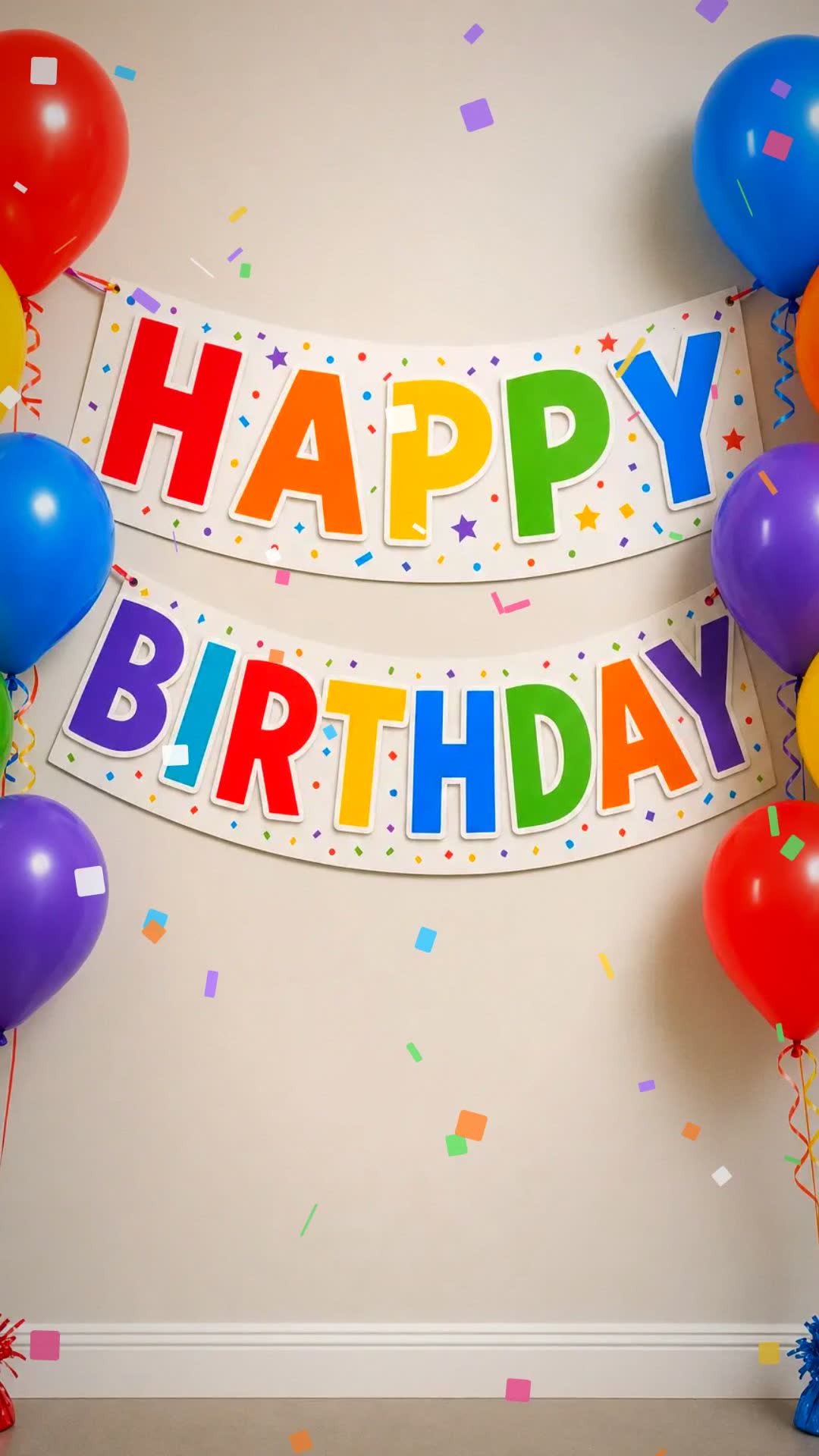
Choose an occasion, add 3–12 photos, and get a music-paced video you can still edit.
Make a Reel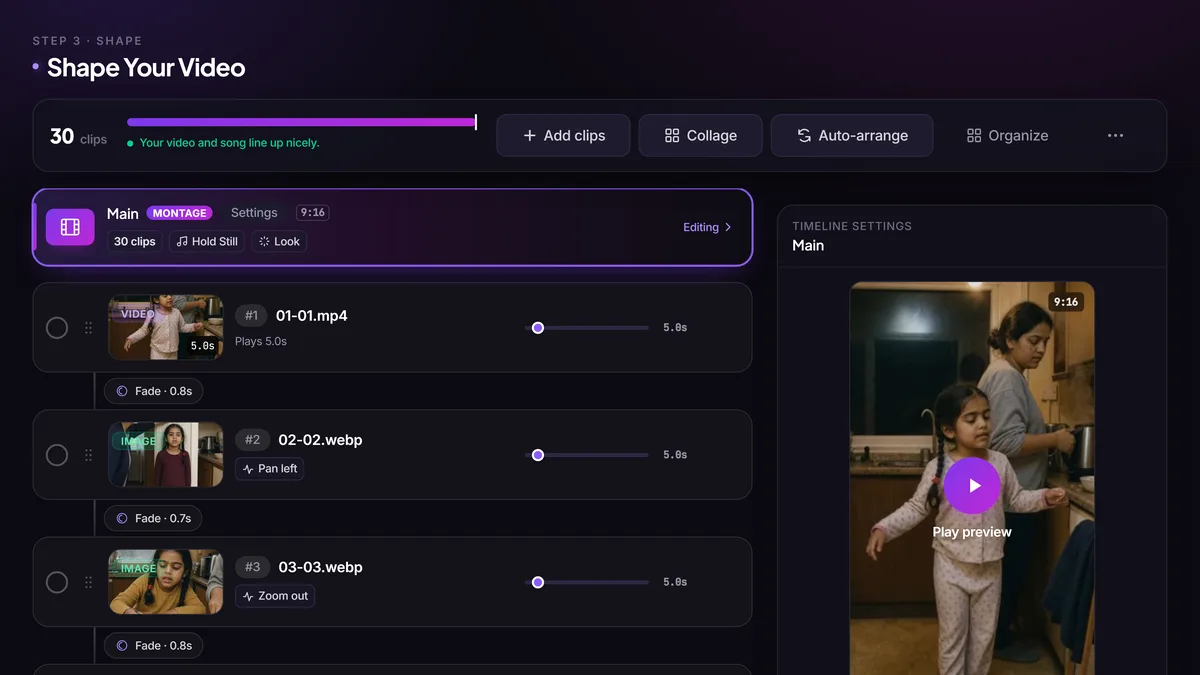
Bring in photos and clips, write or skip the song, arrange the cut, and render in 1080p.
Start a Full ProjectFull Project
Your photos, song, cut, and final render stay in one project. Bring in your media, make or skip the song, shape the cut, and render when it feels right.
Start a Full Project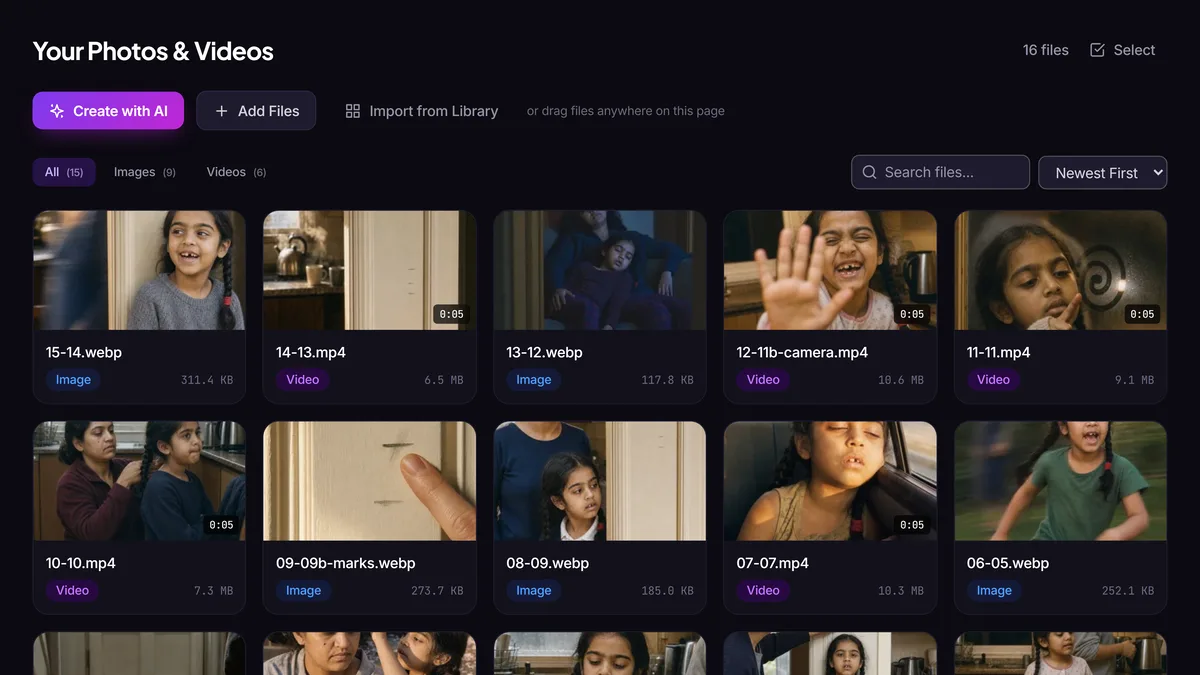
Bring in your own media or create new visuals with AI.
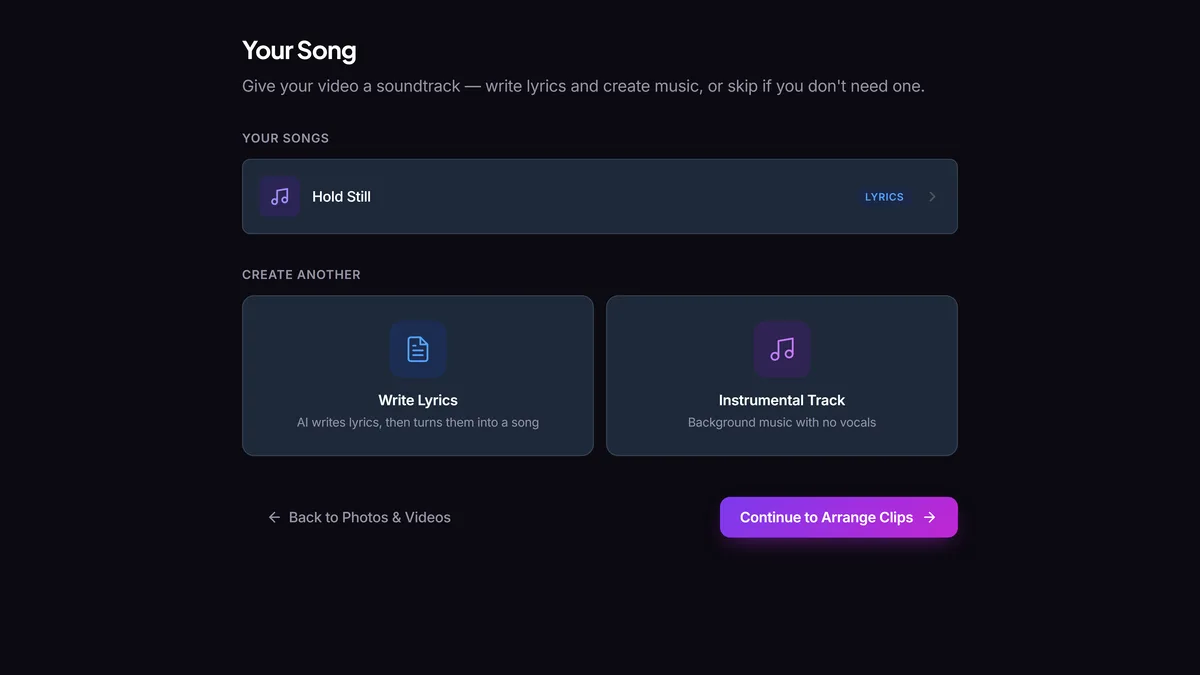
Write lyrics, make an instrumental, use a ready-made song, upload your own, or skip it.
Arrange the cut, set the look, and preview the whole video.
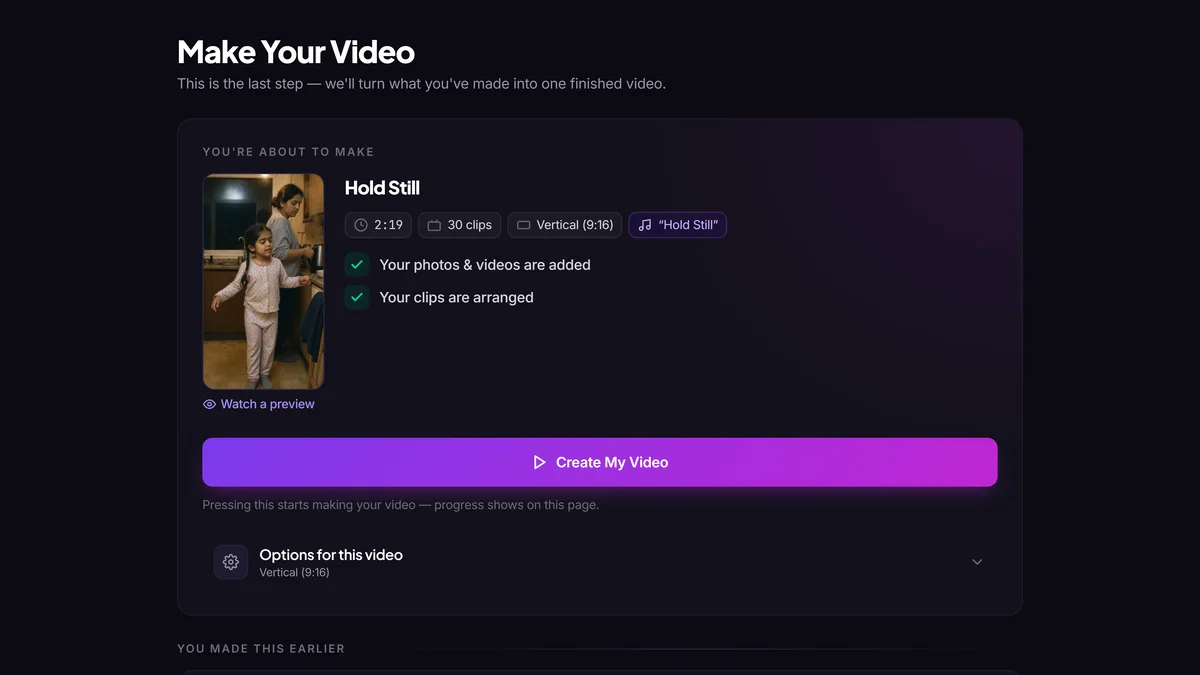
Check the project, then render a clean 1080p MP4.
A couple get pleasantly lost on a road trip through Austria. There was no trip and no camera: every frame was generated, the song was written in OpenMuse, and the cut was shaped in the editor above.
Free tokens at signup. No card needed. Pick a fast effect, a photo-led reel, or the full project.
Prefer to work locally? Download OpenMuse for desktop .